
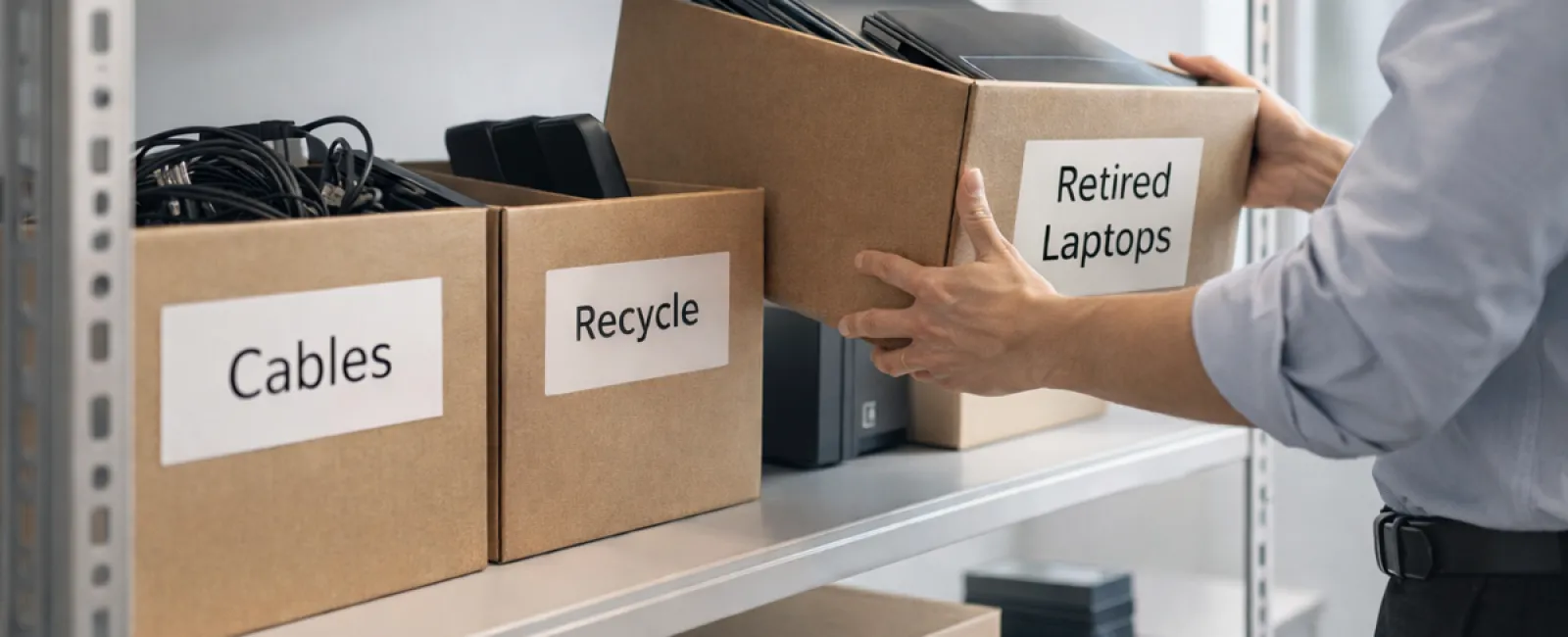
Spring cleaning often begins with closets, but for businesses, the bigger mess isn't just on shelves.
While it might be tangled in a server rack, clutter also accumulates in storage rooms, back offices, or forgotten piles marked "we'll sort this later."
Outdated laptops, obsolete printers, backup drives from several cycles ago, and boxes of cables kept "just in case" all pile up.
This is a common challenge for every business.
The real question isn't if you have this clutter, but whether you have a clear strategy for managing it.
Technology Life Cycles Go Beyond Purchase Dates
When acquiring new tech, the reasons are clear: faster speeds, enhanced security, better capabilities, and support for business growth.
Most companies plan their technology purchases carefully — but few strategize how to retire outdated equipment.
Retirement of devices usually happens quietly—a replacement arrives, the old device is set aside, and eventually someone clears it out.
That's typical.
What's rarer is approaching technology retirement with the same thoughtfulness as acquisition.
Old equipment still holds value—whether reusable parts, recyclable materials, or sensitive data. Often, it just becomes a burden, occupying space and management time.
Spring is an ideal moment to pause and ask: Which devices serve us, and which are simply clutter?
A Straightforward Guide to Streamline Your Tech Cleanup
To turn talk into action, follow our efficient four-step plan.
Step 1: Catalog Your Equipment
Identify exactly what you're retiring: laptops, mobile devices, printers, network hardware, external drives? You can't manage what you don't list, and an inspection often uncovers surprises.
Step 2: Choose a Proper Endpoint
Devices generally fit into reuse (internal use or donation), recycling (via certified e-waste programs), or destruction (necessary for sensitive data). The important part is deciding deliberately—not letting hardware linger indefinitely.
Step 3: Follow Proper Preparation
Attention to detail here is crucial.
If reusing or donating, remove the device from management systems, revoke access, and ensure complete data wiping beyond a simple factory reset. Deleting files or quick formatting doesn't erase data; it just hides it.
Research by data security firm Blancco revealed that 42% of resold drives on eBay still contained sensitive info despite claims of proper wiping. Certified erasure tools overwrite every sector and provide verification reports.
For recycling, rely on certified e-waste recyclers—not dumpsters or curbside drops. Note: Best Buy's recycling is for residential customers only, not businesses.
Commercial tech requires certified IT asset disposition (ITAD) services or business-focused e-waste recyclers holding e-Stewards or R2 certifications. Your IT provider can also help coordinate this.
If destruction is necessary, opt for certified data wiping or physical destruction methods (like shredding or degaussing), and keep records including serial numbers, method, date, and responsible personnel.
This process isn't about paranoia—it ensures a secure, closed loop.
Step 4: Record and Confirm Completion
Once devices leave your premises, document their destination, processing method, and confirm access revocation to clear up any future uncertainties.
Often-Overlooked Devices Deserve Attention
Laptops often get noticed, but other devices commonly slip through the cracks.
Phones and tablets can retain access to emails, contacts, or authentication apps. Factory resets handle most issues, but certified mobile wiping tools are safer for business devices. Major brands like Apple and Samsung offer trade-in programs, potentially giving credit toward new purchases.
Modern printers and copiers often contain internal hard drives storing copies of printed, scanned, copied, or faxed documents. When returning leased equipment, get written confirmation that hard drives will be wiped or removed before reuse.
Batteries are classified as hazardous waste by the EPA, and many states prohibit businesses from discarding rechargeable batteries in regular trash. Remove batteries when possible, tape terminals to prevent shorts, and bring them to certified recycling centers. Resources like Call2Recycle.org and retailers such as Staples, Home Depot, and Lowe's offer drop-off points.
External drives and old servers often linger in closets longer than necessary but require the same careful retirement process as other devices.
Remember the Importance of Responsible Recycling
April brings Earth Day reminders, encouraging us to handle electronics responsibly.
Over 62 million metric tons of electronic waste are generated globally each year, yet only about 22% is properly recycled. Batteries, monitors, and circuit boards need to be routed through certified recycling streams. Many communities provide certified e-waste disposal options for businesses.
When managed well, technology retirement can be clean, eco-friendly, and strategic. You don't have to choose between security and responsibility—you can achieve both.
Plus, showcasing your company's green practices, even subtly, resonates well with customers on social media.
Unlocking Larger Benefits
Spring cleaning is less about discarding and more about creating space for progress.
Removing outdated gear is one step, but it's also a perfect time to assess whether your technology truly supports your business goals.
Hardware changes regularly, but software, systems, automation, and process design drive true productivity and profit.
Properly retiring old devices is essential housekeeping, while aligning your technology ecosystem with your ambitions propels growth.
How We Support You
If you already have a smooth equipment retirement process, that's excellent. Ideally, this is effortless and routine.
While upgrading hardware responsibly, why not take a broader look? Are your tools integrated? Are systems optimized? Is your technology accelerating growth or just maintaining status quo?
We offer no-pressure consultations to review your tech stack, systems, and workflows to boost efficiency and profitability.
No checklists. No sales tactics. Just practical advice on making technology work harder for your business.
Click here or give us a call at 920-818-0900 to schedule your free 15-Minute Discovery Call.
And if this inspired you, please share it with fellow business owners.
Don't stop spring cleaning at closets—refresh the systems that power your business.


